Why Digital Document Management Software Has to Be Integrated
Documents never exist in isolation. A quote belongs to a contact, a contract to an order, meeting minutes to a task, an invoice to a project. Anyone managing documents in a separate tool creates exactly the gaps that document management software is supposed to fix: people maintain data twice, attachments disappear into email threads, and someone always ends up hunting for the "latest final version".
With Unusual Suite, you don't manage your documents in yet another system, but as a module inside a complete business platform. The result is a document management solution linked directly to CRM, project management, task management and email – making it robust DMS software even for small teams without a dedicated IT department.
What disappears the moment document management software is integrated:
- Duplicate storage across cloud drives and network shares
- Email attachments with no link to a customer, project or task
- Manual upkeep of contact and project data
- Hours of searching across multiple tools for the current document

The Document Management Solution that Connects Everything
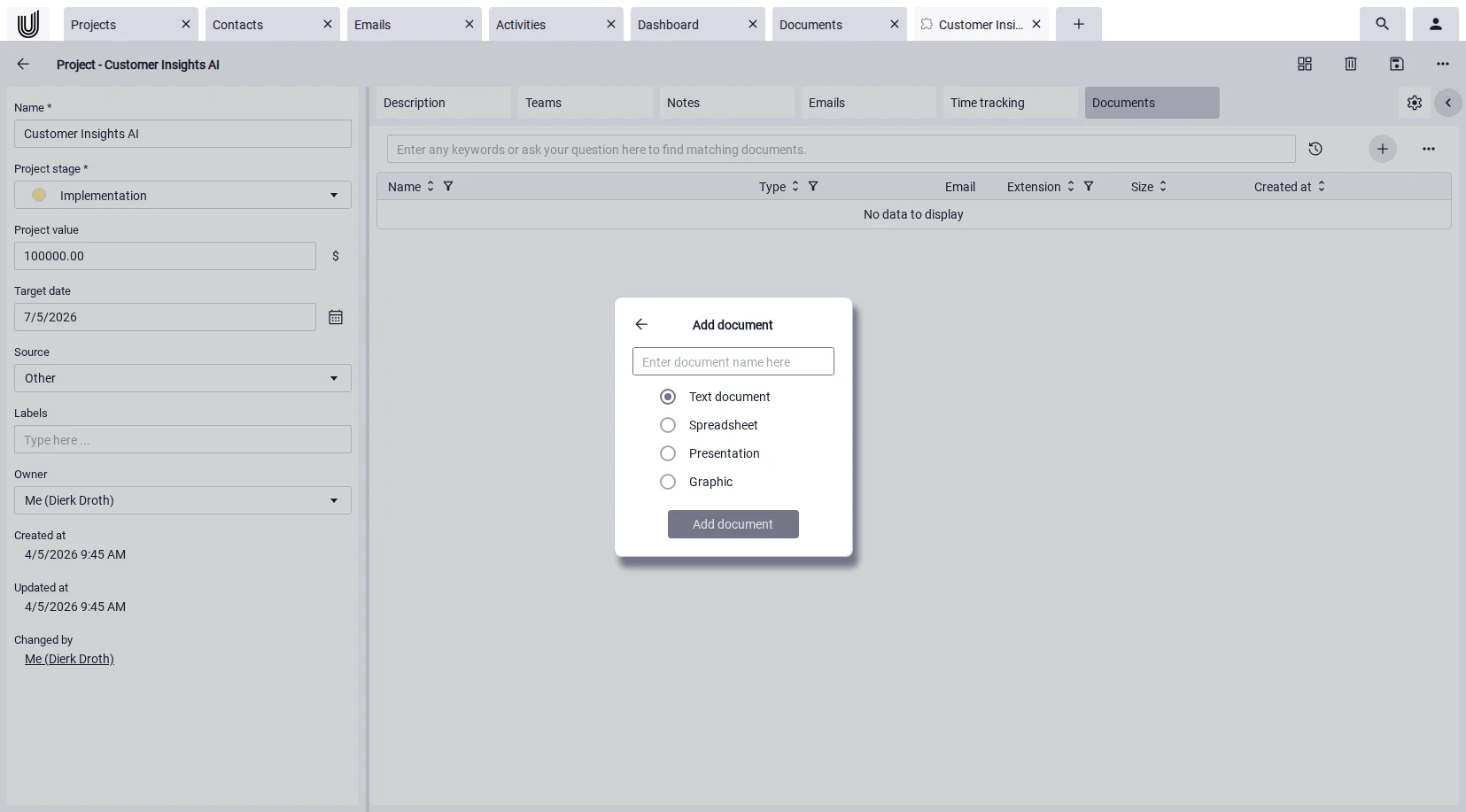
The strength of a modern document management solution lies in its connections. With Unusual Suite, you link documents directly to contacts, projects and activities, and keep the business context in which they were created.
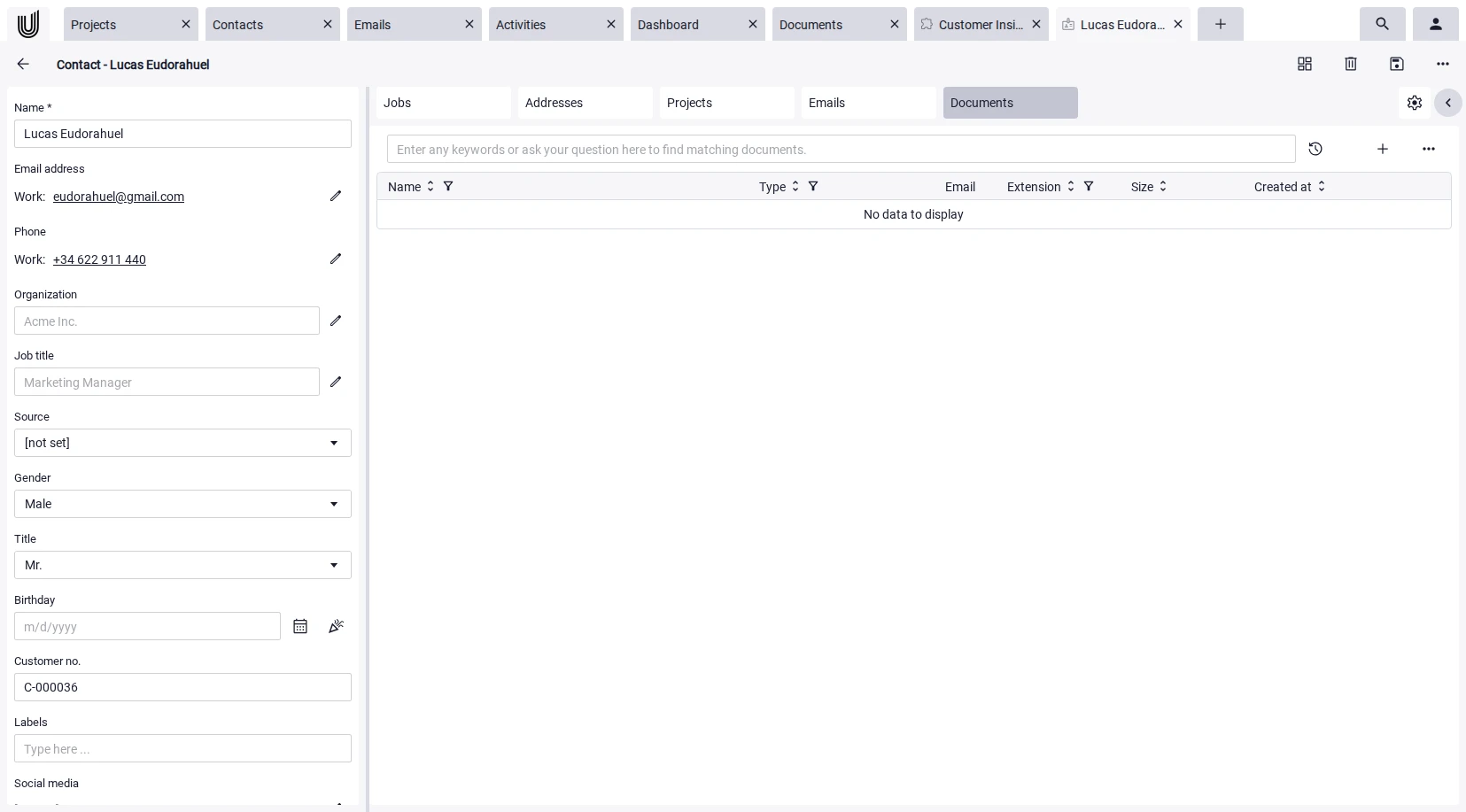
Link instead of file away. Documents can be linked to contacts, projects and activities: contracts to contacts, statements of work to projects, meeting minutes to tasks. Linked documents appear on the related records. The result is an unbroken chain from first contact to signed contract.
Edit directly within the system. A modern document management software shouldn't stop the moment you open a file. With the integrated Office environment built on Collabora Online, you edit text, spreadsheet, presentation and graphics documents directly in the browser.
AI extracts what matters. On upload, the integrated AI generates a summary, recognizes the document type (quote, invoice, purchase order) and extracts contacts, organizations, and related entities. You decide which records get imported and linked to the document, automatically for incoming email attachments, too.
Full-text search with OCR. Find content, not just file names. Power-Search scans documents, emails, wikis and tickets simultaneously, across the full text. Scanned contracts, photographed receipts or PDFs straight from your tax advisor's mailbox become searchable via OCR – as soon as text is detected.
Start your free trial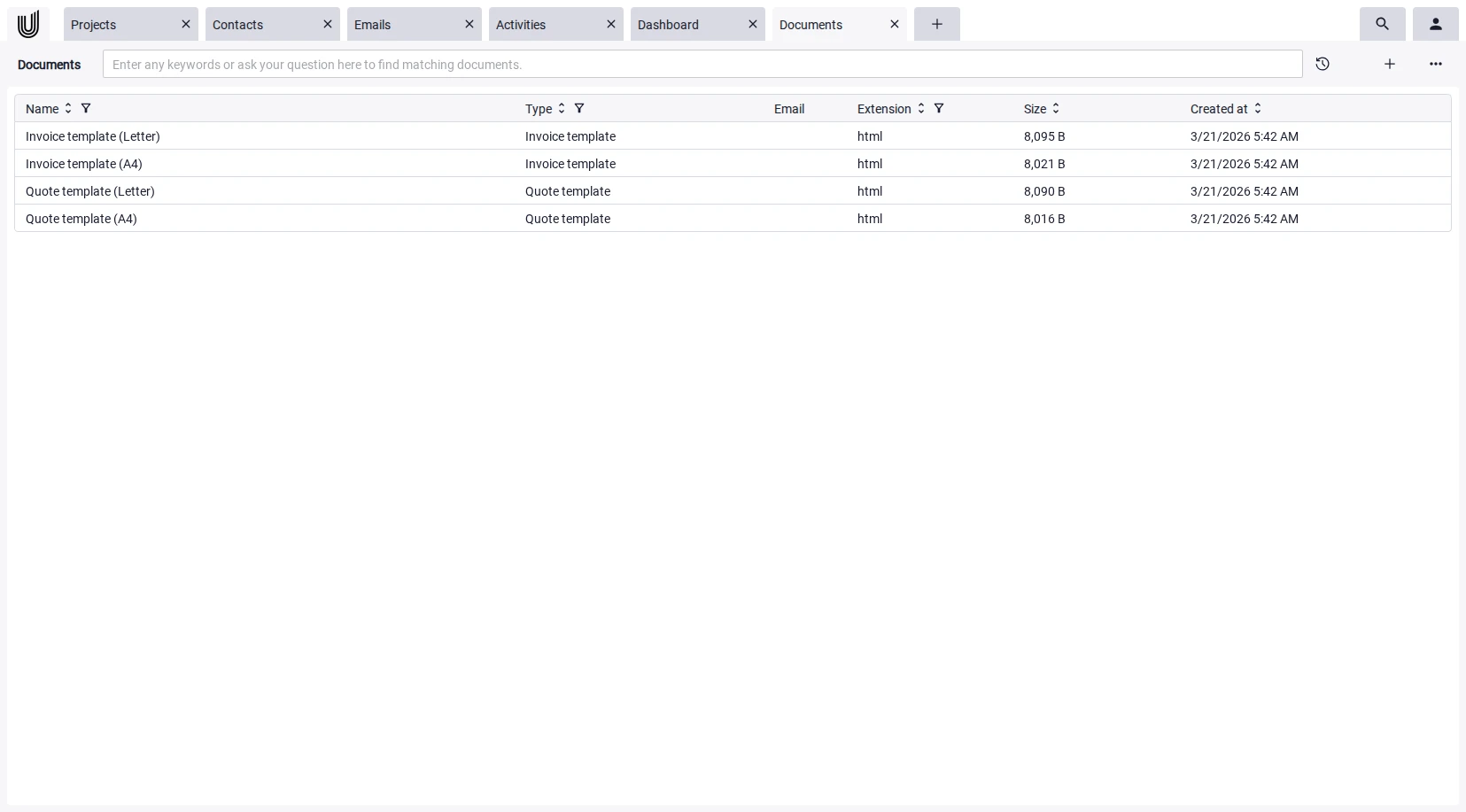
Features of the Digital Document Management Software
at a Glance

Power-Search
A global full-text search that doesn't end at the document module. Power-Search scans documents, emails, wiki articles, tickets, projects and contacts in parallel. OCR for image files included.

Power-Chat
AI answers based on your own documents and wikis. Power-Chat works with OpenAI or Mistral models. Ask questions like "What's in the maintenance contract with customer X?" – the answer comes straight from your data.

Wiki
Where documents tend to be static, the wiki lives. Capture process descriptions, how-tos and FAQs as editorial articles. Both content types are searched together and used as context by Power-Chat.

With the built-in email module, attachments are automatically saved as documents and linked to the original message. Anything coming in via IMAP becomes part of your document management software – no more manual filing.

Projects
Every project holds its associated documents directly within the project context. Specifications, meeting minutes, design files and delivery documents stay with the project, available even after it closes, and remain in the document history.

CRM
Contracts, quotes, correspondence and signed documents stay on the contact or organization record. Open a customer and you see the entire document history at a glance, no clicking through nested folder structures.

Office with Collabora
The integrated Office suite based on Collabora Online enables direct editing of documents. Text, spreadsheet, presentation and graphics documents can be edited collaboratively and version-controlled in the browser.

Workflows
Workflows let you automate recurring routines in Unusual Suite – for example, importing and exporting contacts and calendar data, notifications when responsibilities or owners change, or cleaning up outdated emails. Important routine processes run in the background without you having to trigger them manually.
DMS Software for Small Businesses – Secure, Scalable, Ready out of the Box
Small businesses don't need bloated enterprise systems with features they'll never touch in daily work. What they need is a DMS system that runs reliably, scales with them, and is ready without an army of consultants. Unusual Suite delivers exactly that.
Change history. Changes to a document are tracked automatically. Earlier versions can be restored at any time. For audits, ISO certifications, quality management or simply a question in a meeting, this is the most reliable safety net document management software can offer.
Role and profile permissions. Unusual Suite controls access via roles, profiles and ownership. Roles define which records a user can manage in the hierarchy at all, while profiles determine whether they can read, modify, add or delete records and individual fields. Published documents, projects and wiki articles additionally require explicit permissions. That makes it possible to control access at a fine-grained level without slowing down team collaboration.
Securely share documents with external parties. Not every recipient has access to the suite. For those cases, you publish documents via a randomly generated 64-character key: the link can't be guessed, isn't indexed by search engines and can be revoked at any time. The moment you withdraw it, the document is no longer accessible, a freshly issued link gets a new key. This is what turns the casual "just sent it by mail" into a GDPR-compliant, auditable release, critical for any DMS for small businesses that regularly exchanges documents with tax advisors, suppliers or customers.
Cloud or on-premise – your call. Unusual Suite runs as a cloud solution by default on European servers. If you need full data sovereignty, for regulatory or industry-specific reasons, you install the platform on your own ARM64 Linux server with MariaDB 11.8.2 or higher. This option is available on request from Unusual Suite.
Start your free trial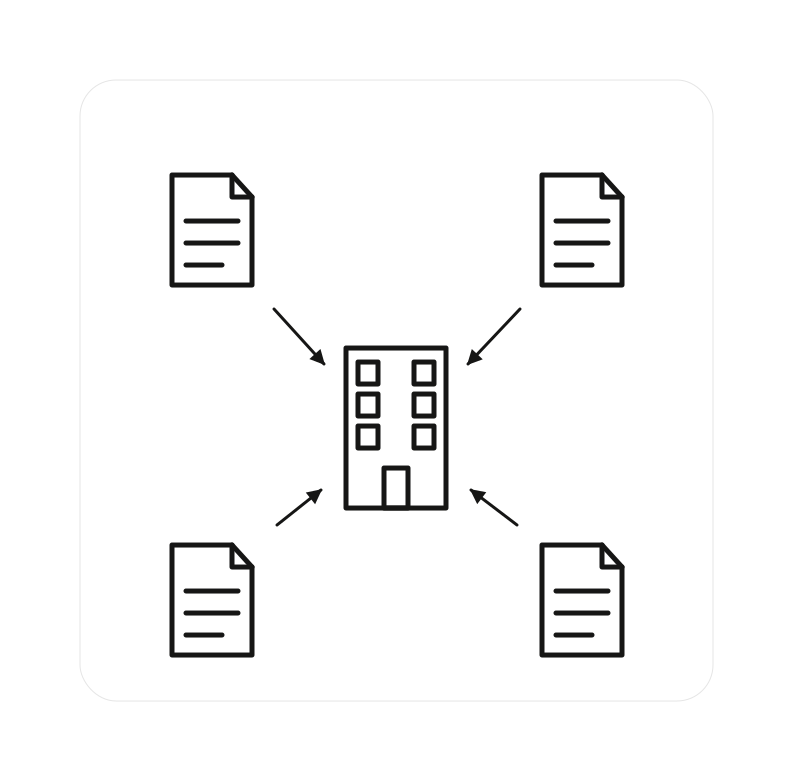
Frequently Asked Questions about Document Management Software (FAQ)
Document management software refers to the central, electronic management and easy retrieval of documents in a single system. Modern solutions like Unusual Suite go beyond pure storage and connect documents to business processes, full-text search, permissions and AI analysis, so every document remains reachable in the context of its customers, projects, and tasks.
A document management system handles five core tasks: first, the central capture and storage of all business-relevant documents; second, document history and traceable retention; third, access control via role and profile permissions; fourth, retrievability through full-text search including OCR for scanned documents; and fifth, secure, auditable sharing with internal and external recipients.
Small businesses suffer disproportionately from media breaks and duplicate maintenance because they don't have the personnel for manual cleanup. A document management solution like Unusual Suite delivers the most important benefits ready to use: central storage, full-text search with OCR, document history, role and profile permissions, secure external sharing, all usable without a dedicated IT department.
A document management system (DMS) focuses on managing digital documents: storage, permissions, search and sharing. An enterprise content management system (ECM) is broader and additionally covers structured business processes, records management, web content, workflow automation, plus compliance and archiving for all content types in a company.
- For full-text search, supported formats include: .docx, .htm, .html, .odt, .pdf, .pptx, .rtf, .txt, .xhtm, .xhtml
- Image files are made searchable via OCR when enough text is detected.
- For editing, Collabora additionally supports spreadsheets, presentations and graphics formats.
Unusual Suite is developed in Germany and operated on European servers. If you need maximum data sovereignty, you can run the suite on your own infrastructure as an on-premise installation. Access is governed by role and profile permissions, public publishing happens via unguessable 64-character keys, and every change is logged completely.
Usually within a day. You sign up with your email address, upload your first documents and define permissions. There's no implementation phase with external consultants. Anyone starting on the Free Edition or the free trial of the Pro Edition can put the DMS into productive use immediately, without any implementation costs.
Pure DMS software on the market typically runs between €10 and €30 per user per month for small businesses, and considerably more with enterprise vendors. On top of that, you usually face high implementation costs and ongoing maintenance contracts. Unusual Suite takes a different route: a Free Edition is permanently free for one user, and the Pro Edition costs €29 per user/month with annual billing or €34 per user/month with monthly billing, and can be tested at no cost.