One client management system instead of scattered spreadsheets
In many companies, client data lives in five places at once: a few addresses in Outlook, a spreadsheet of phone numbers, business cards in a drawer, and the rest in someone's head. The moment a colleague is on holiday or leaves the company, half of that knowledge disappears.
This is exactly what contact management software is for. Instead of disconnected islands, you maintain one shared client database the whole team can reach, with a clear history of who changed what and when. Most teams don't just want a digital address book; they want a client management system that works together with the rest of their day-to-day tools.
Unusual Suite is built that way: contact management is part of a comprehensive business software in which contacts, organizations, emails, projects, and invoicing work together seamlessly.
And you can start right away: contact management and every other Unusual Suite feature are included in the Free Edition at no cost. Nothing is locked behind an upgrade.
Manage contacts your way: manual, imported, or automatic
Good contact management software removes data entry instead of adding to it. In Unusual Suite, contacts are created in several ways, with no retyping:
- Create manually or generate from pasted text: paste an email signature and turn it into a contact automatically
- Create automatically from incoming email signatures once signature processing is enabled for a mailbox
- Import from Apple iCloud, Google, or Microsoft 365, as well as from Mailchimp and Mailerlite
- Assign contacts to organizations, with job title and employment period, and link them to projects
Loose addresses gradually become a complete contact management system, where every contact has its place, without anyone maintaining lists by hand.
Start your free trial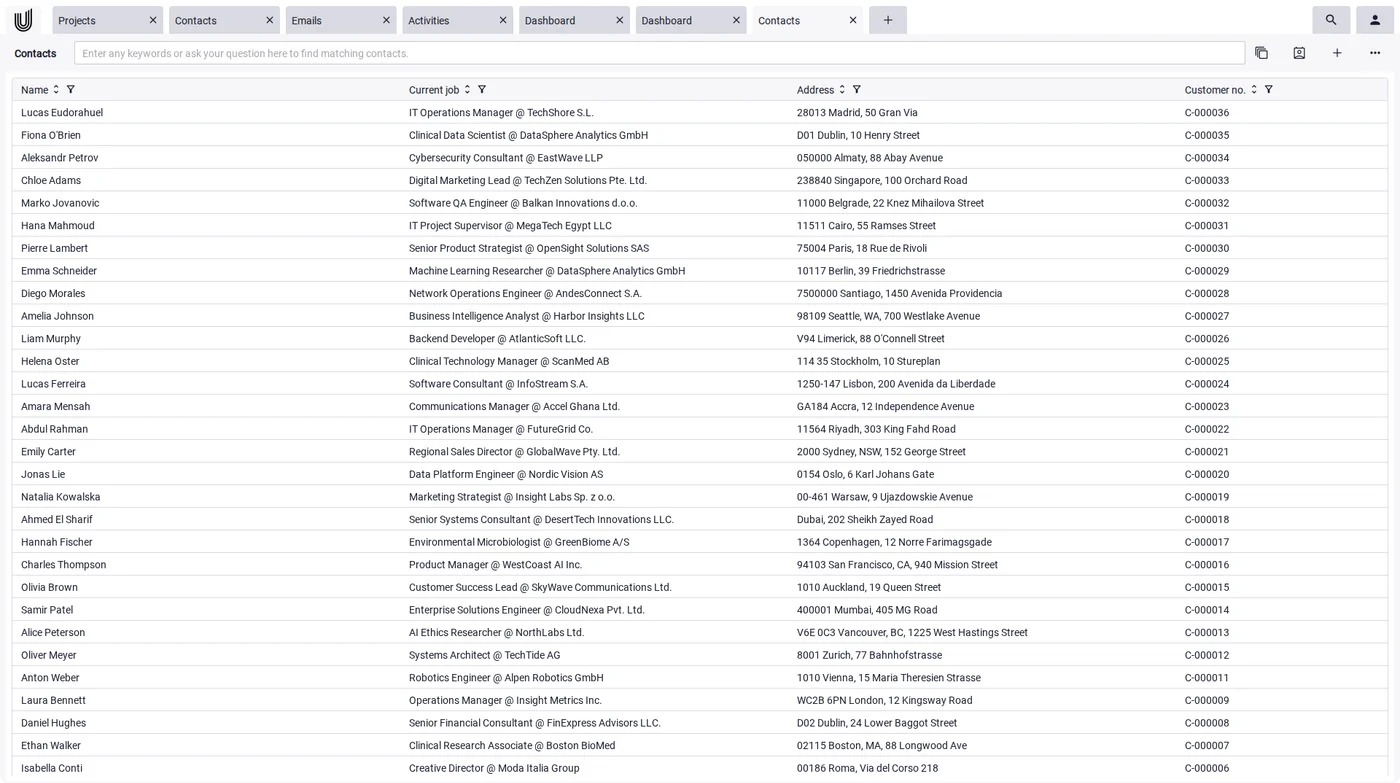
Everything about a client in one place: organizations, activities, documents
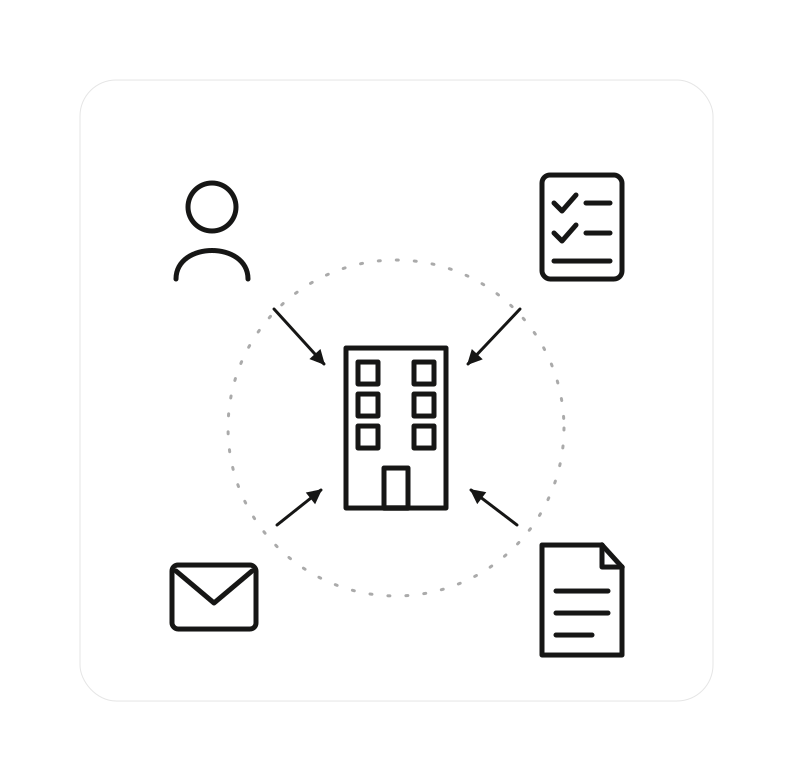
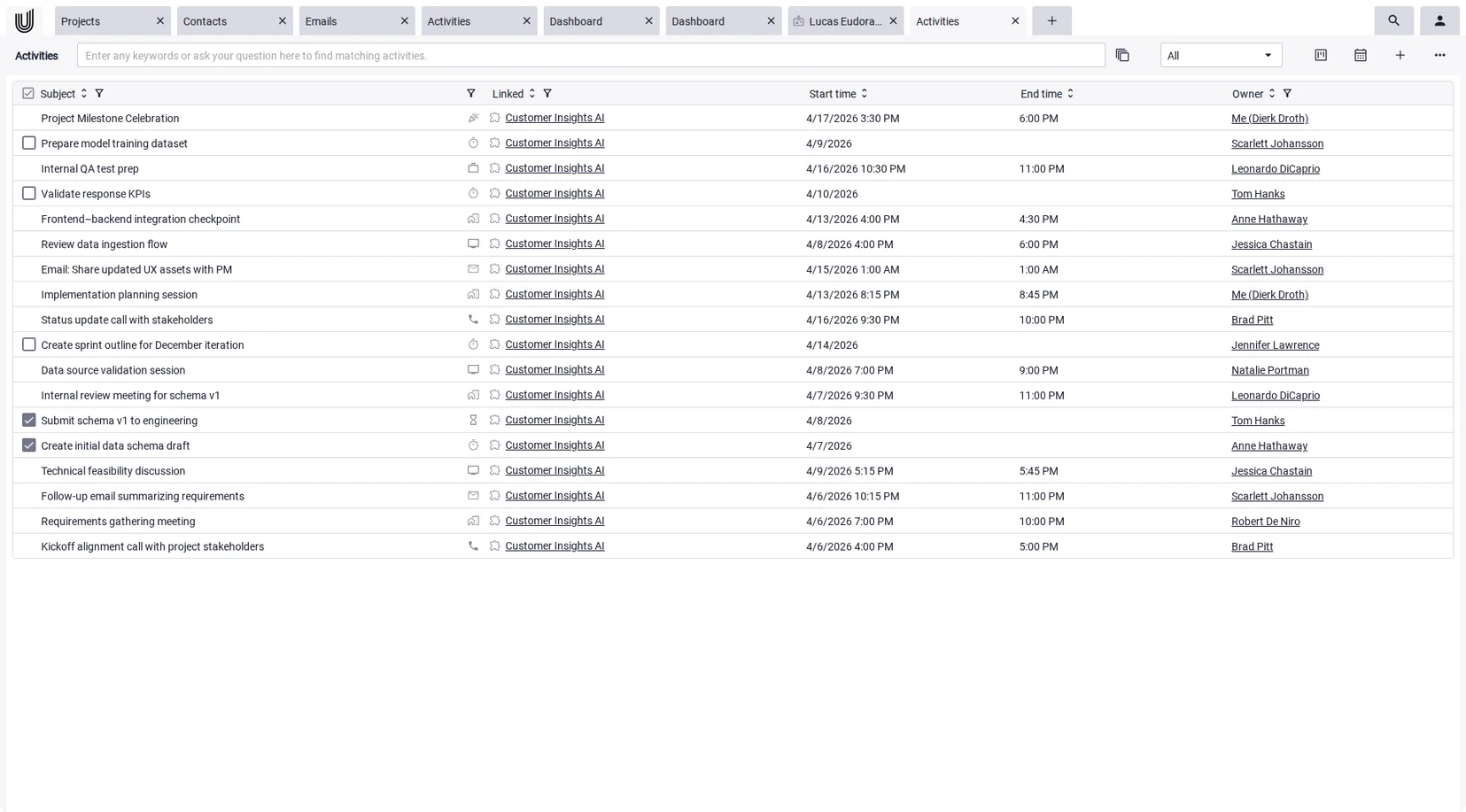
A contact management system is more than a list of individual addresses. In Unusual Suite, organizations bundle all the people, projects, activities, emails, and documents of a client. Activities, meaning tasks and appointments, link directly to contacts, organizations, and projects, and can be shown as a list, a Kanban board, or a calendar.
With Power-View, every contact and organization gets a 360-degree overview: a flexible tile layout that shows notes, activities, documents, and more at a glance. Sales, support, and management can each save their own layout. A full history records who changed which data and when.
Client management software that grows with you: custom fields, labels, Power-Search
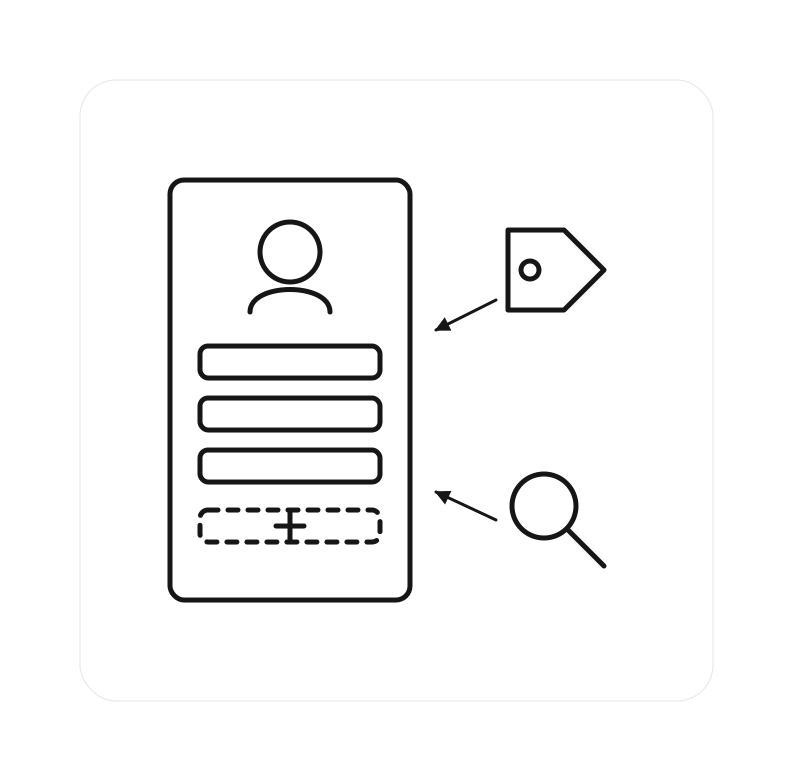
Every business tracks different information, so Unusual Suite adapts to your client management instead of forcing you into a rigid schema:
- Custom fields for contacts and organizations with display name, required/optional, and order; changes are tracked in history
- Labels as freeform tags for filtering and sorting, added straight from any record
- Power-Search scans your entire database in one query: contacts, emails, documents, invoices, and more
- Merge duplicates: double contacts, or a contact that already exists as an organization, are combined in one reviewed step
That keeps your client management system clear even as your contact count grows. Simple address books struggle with exactly that.
There is also a typical tool trap: start with a spreadsheet, move to a cheap address book, and migrate again as soon as you need projects or invoicing. Unusual Suite removes that second migration. You can begin with plain contact management and add emails, projects, time tracking, and invoicing later, in the same system, with the same data.
Features of the contact management software
at a glance

Contacts
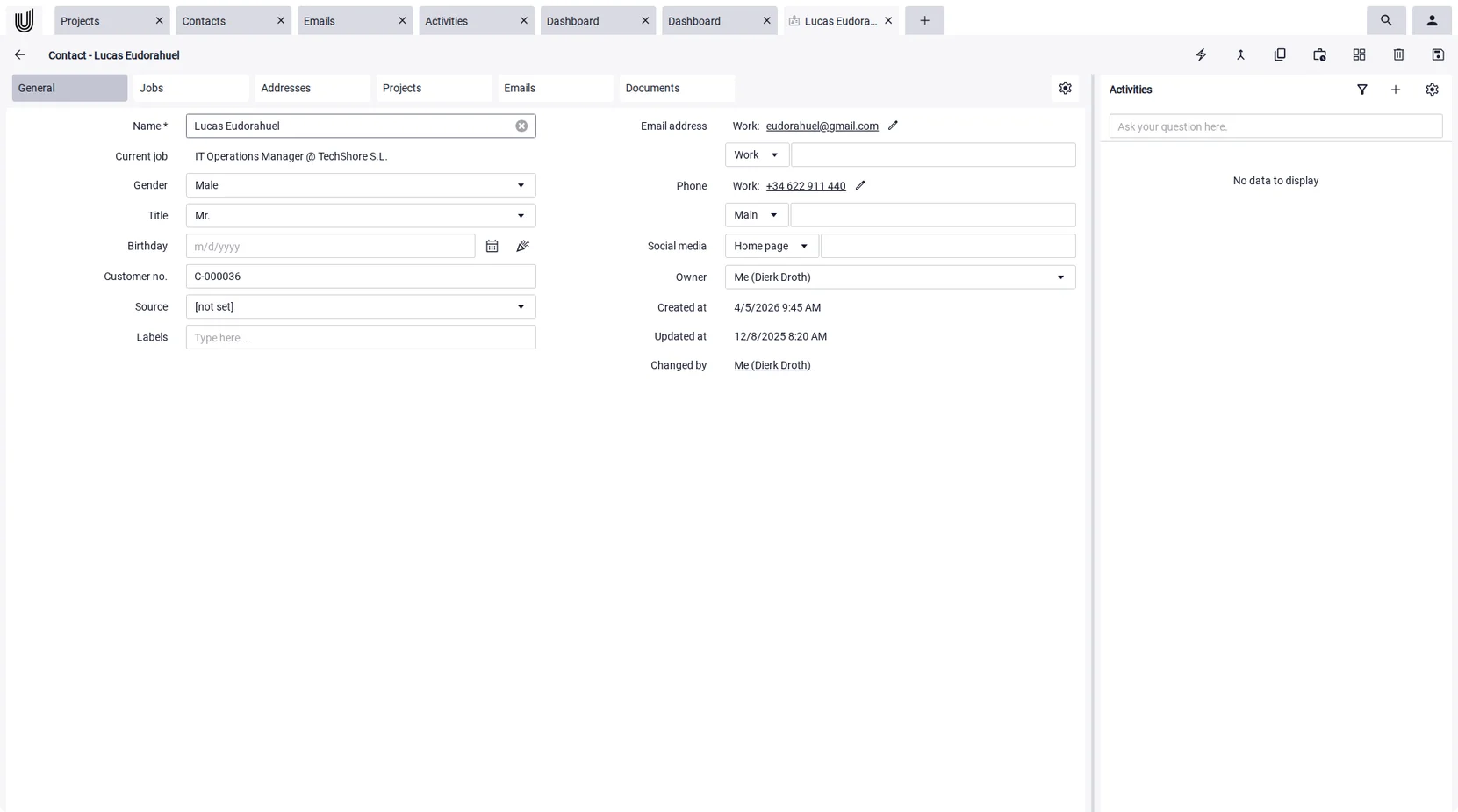
Store and organize people centrally, whether created manually, imported, generated from pasted text, or automatically from email signatures. Every contact brings together addresses, phone numbers, emails, job and organization, plus linked projects and activities in one place. Power-View gives each contact a 360-degree view, custom fields capture anything specific to your business, and the history shows who changed what and when.

Organizations
Manage companies and link them to contacts, projects, activities, emails, and documents, including a change history.

Activities & Tasks
Connect tasks and appointments directly to contacts and organizations, with recurrence, viewable as a list, Kanban board, or calendar.

Emails
Receive, write, and manage emails directly inside your business software, so customer communication runs in the same system as your contacts.

Power-Search
Full-text search across every module: finds contacts, emails, documents, and invoices in a single query. Even text inside images becomes searchable via OCR.

Power-Chat (AI)
Power-Chat answers questions from your own data, including selected contacts and organizations, with source references. This is AI in CRM at work in your day-to-day business.

Custom Fields & Labels
Extend your client management with your own data fields and structure records with freeform labels for filtering.

Projects & Time Tracking
Link contacts to projects and record project-related working time: the integrated time tracking provides the basis for later billing.

Reminders & Notifications
Reminders and system notifications keep open tasks and upcoming follow-ups visible, so no client request is left unanswered.

Permissions & Visibility
Permissions let you control who can see and edit which contacts and organizations. That matters as soon as several people work with the same client data.

Quotes & Invoices
Send quotes and professional invoices straight to contacts and organizations: the integrated invoicing software takes the recipient directly from your contact records.
Stay on top of every interaction: activities, reminders, and history
Good client management is about never letting things slip. In Unusual Suite, you log tasks and appointments as activities against each contact, with recurrence for regular follow-ups, and view them as a list, a Kanban board, or a calendar. Reminders and notifications keep a callback or a follow-up from getting lost in the day-to-day.
Every change to a contact is recorded in the history, so you can always see who changed which data and when. That makes it clear what was last discussed with a client, even when several people work in the same record. This complete tracking is what turns a simple address book into a real client management system.
Client management software for small business
Large CRM platforms are built for sales departments with administrators, onboarding projects, and enterprise budgets. Client management software for small business has to work the other way round: ready to use without an IT project, affordable, and simple enough that the whole team actually uses it.
The stakes are different in a small company, too. When five people hold all the client relationships, every single contact matters, and much of the knowledge sits in one person's head. A central client database with a full change history takes that risk out of the business: when someone is on holiday or leaves, the relationships, notes, and agreements stay.
The economics fit a small business as well. The Free Edition is permanently free for one user, so a founder or freelancer starts at no cost. The Pro Edition is added only when the team grows, at a predictable €29 per user per month. One tool replaces several separate subscriptions, and one price covers contacts, projects, and invoicing together.
Contact Management Software: Frequently Asked Questions (FAQ)
Contact management software stores and organizes all the data about your clients, prospects, and partners in one central place. The contact management system replaces scattered spreadsheets and address books with a shared client database the whole team can use, with links to emails, activities, and projects.
The terms overlap heavily. Contact management software focuses on maintaining contacts and organizations, while a CRM also maps sales and customer processes. In Unusual Suite the two are connected: contact management is part of an integrated CRM.
Yes. Unusual Suite is built for teams that want client management without enterprise complexity. It combines contacts, projects, and invoicing in one system, so a small team can run its customer data from a single place.
Yes. Contacts can be imported from Apple iCloud, Google, or Microsoft 365, as well as from Mailchimp and Mailerlite. You can also create contacts automatically from pasted text, such as an email signature. And the sync works both ways: contacts and appointments can be exported back to Google and Microsoft 365.
Yes. Once email signature processing is enabled for a mailbox, Unusual Suite automatically creates contacts and organizations from incoming emails, so your client database grows as you work.
Duplicate contacts, or a contact that already exists as an organization, can be merged. The merge tool shows the combined record and lets you choose which details to keep.
Yes. You can add custom fields for the most important data types, each with a display name, order, and required flag. They behave like regular system fields; configuration is done by users with administrator rights.
The Free Edition is permanently free for a single user and already includes all features. The Pro Edition costs €29 per user per month (billed annually) and comes with a 90-day free trial. You'll find all details on our pricing page.