Why your business needs a knowledge base
In many teams, knowledge lives in people's heads, email inboxes, and scattered files. The result: the same questions get answered again and again, new employees need weeks to get up to speed, and when someone leaves, valuable knowledge leaves with them.
A knowledge base only solves this if it actually gets used. That's exactly where standalone knowledge base software often falls short: it's yet another system next to CRM, projects, and email, and therefore yet another place nobody maintains. The best knowledge base software, then, isn't the one with the longest feature list, but the one your team actually opens every day.
That's why Unusual Suite integrates the knowledge base directly into the business management software: knowledge gets documented where the work happens, with no switching between systems and no duplicate data entry. Document an answer once, and it remains accessible to the whole team.

Build your knowledge base: structured with wiki articles
The wiki module is the heart of the knowledge base: you capture your knowledge in articles, format content in the editor with images, tables, and links, and organize everything in a hierarchical tree structure that you can rearrange via drag and drop.
- Create articles, assign a type and labels
- Format content in the editor, insert images and tables
- Organize and move articles in the tree structure
- Track changes and restore earlier versions
- Publish individual articles when needed, each gets its own public URL
Articles can also be translated into other languages. When AI features are enabled, an initial translation is generated automatically. Everything you capture is stored and indexed, so the wiki doubles as a knowledge database software you can search in seconds, not a static archive.
Start your free trial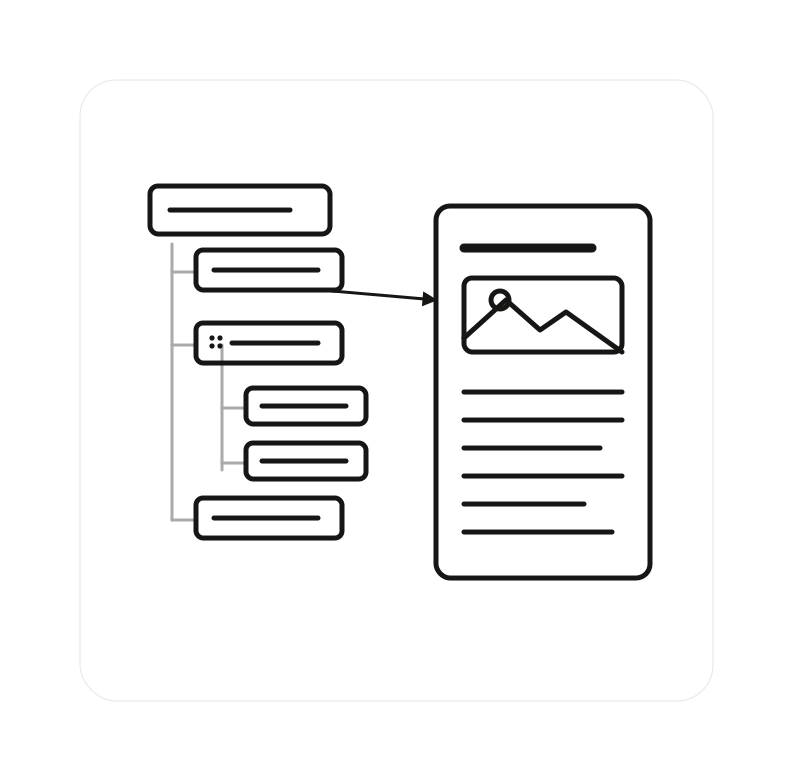
More than a knowledge base program: answers instead of result lists
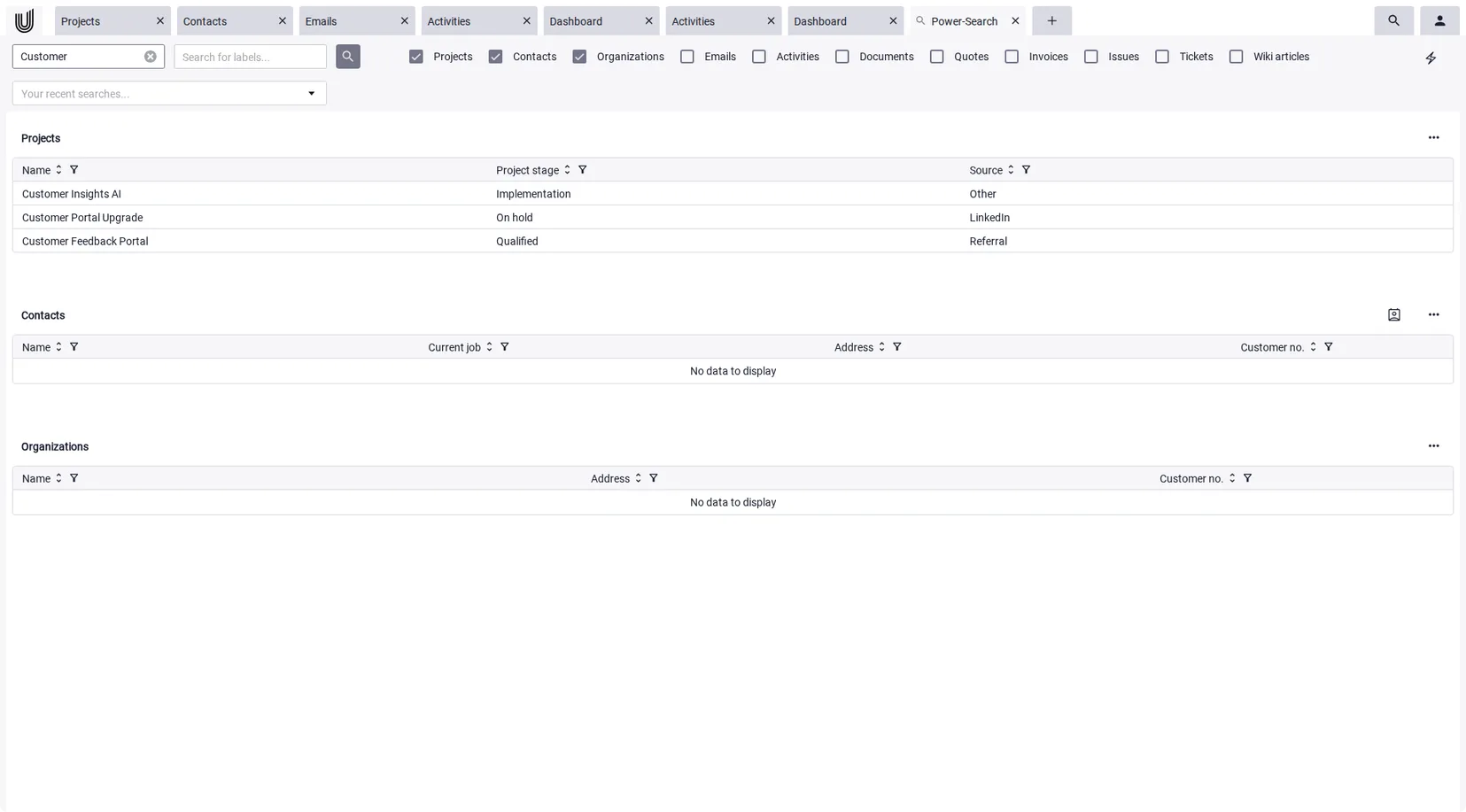
A knowledge base isn't worth much if nobody finds the right page. Unusual Suite offers two paths to the answer. The full-text Power-Search scans wiki articles, documents, emails, and every other module in a single query. Even text inside images is captured via OCR.
The AI assistant Power-Chat takes this a step further: it answers questions directly from your wiki articles and documents, composes a response, and includes the sources. The AI answers from your own content, not from general internet knowledge. And you don't have to retype existing web pages: individual pages or entire websites can be imported as wiki articles automatically.
So searching turns into asking. Your team no longer needs to know which article holds the answer. They simply ask the question and get an answer in seconds, complete with a source.
Start your free trial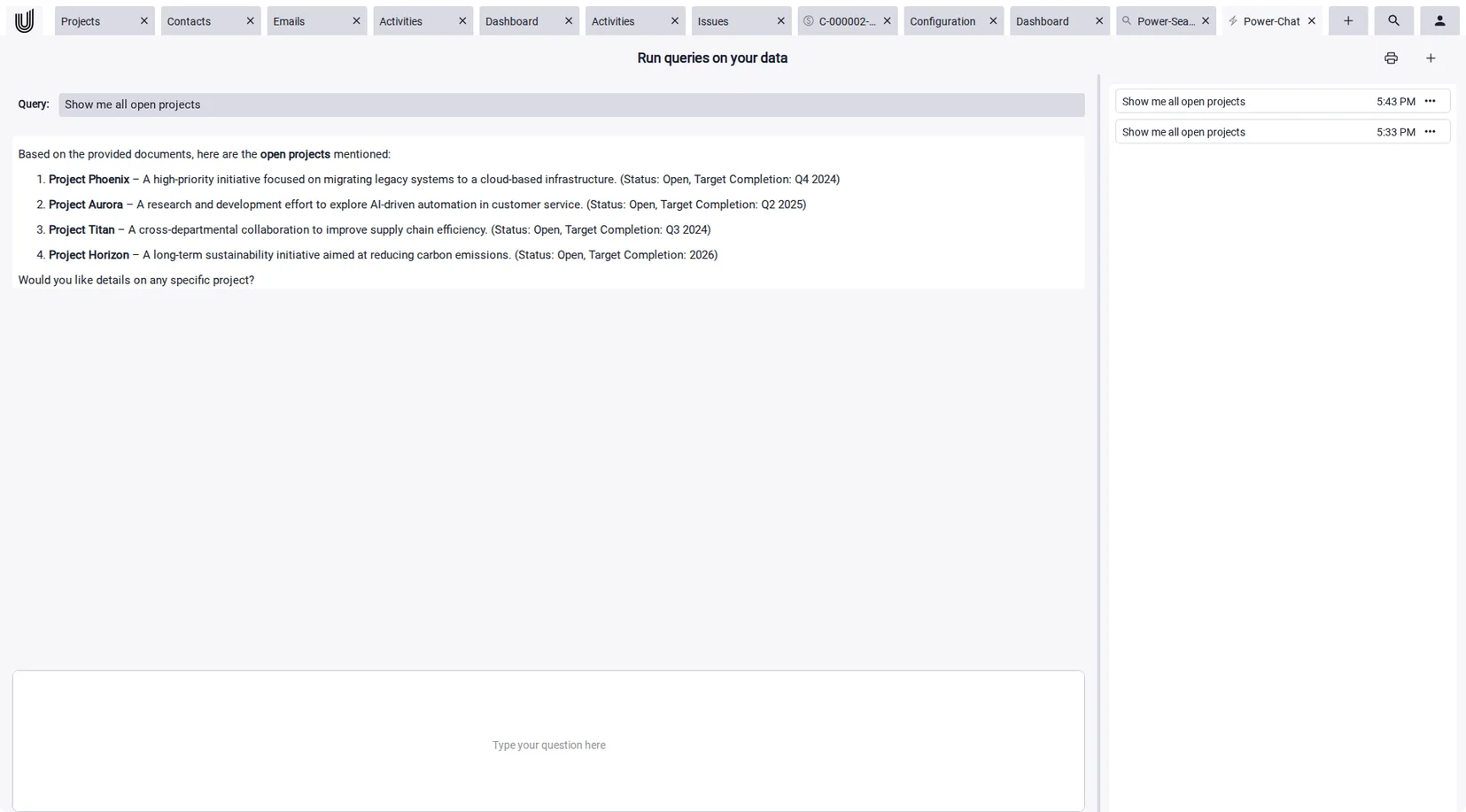
Internal knowledge base software you can also open to customers
The same knowledge your team uses internally also helps your customers. In the Service Center, a standalone portal with no sign-up required, customers read your published articles and ask Power-Chat directly, with your own logo and product name if you wish (white-label).
This way your internal knowledge base doubles as a self-service portal and takes pressure off your service desk software: standard questions never become tickets in the first place. And the answers your support team writes flow straight back into the knowledge base, so your knowledge grows with every request.
Start your free trial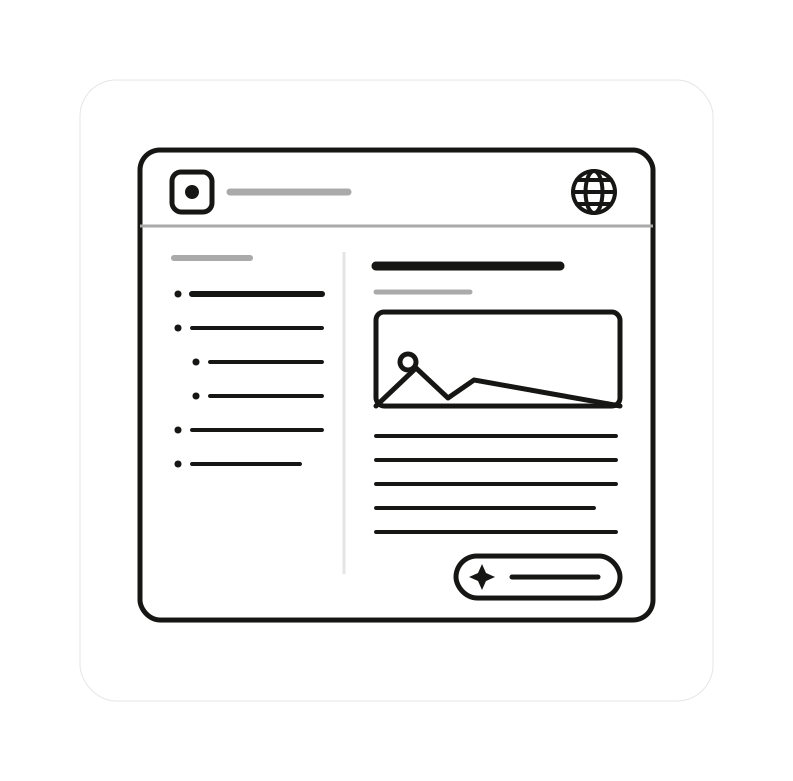
More features of the all-in-one software
with a knowledge base

Projects
Manage client projects, tasks, and teams in one central workspace. Documents and notes stay linked to projects, and Power-Links let you reference the right wiki articles directly from a project. Learn more on our project management software page.

Activities
Keep tasks, appointments, and to-dos in view at all times, with priorities and clear responsibilities, so every team member knows what to do.

Documents
Manage quotes, contracts, and guides in one central place. Documents are automatically linked to projects and contacts and feed into Power-Chat's AI answers.

Mails
Receive, write, and manage emails directly inside your business software. Messages are automatically assigned to the right projects or contacts.

Support Tickets
Process customer requests in a structured, traceable way. The knowledge base puts the right answers at your support team's fingertips.

Time Tracking & Invoicing
Record project-related working time and turn it into invoices, without transferring data between tools.

Power-Links
Connect knowledge right inside your text: type @ to reference projects, contacts, documents, or other wiki articles in articles, notes, and comments. One click opens the linked record.
An AI knowledge base with full control over your data
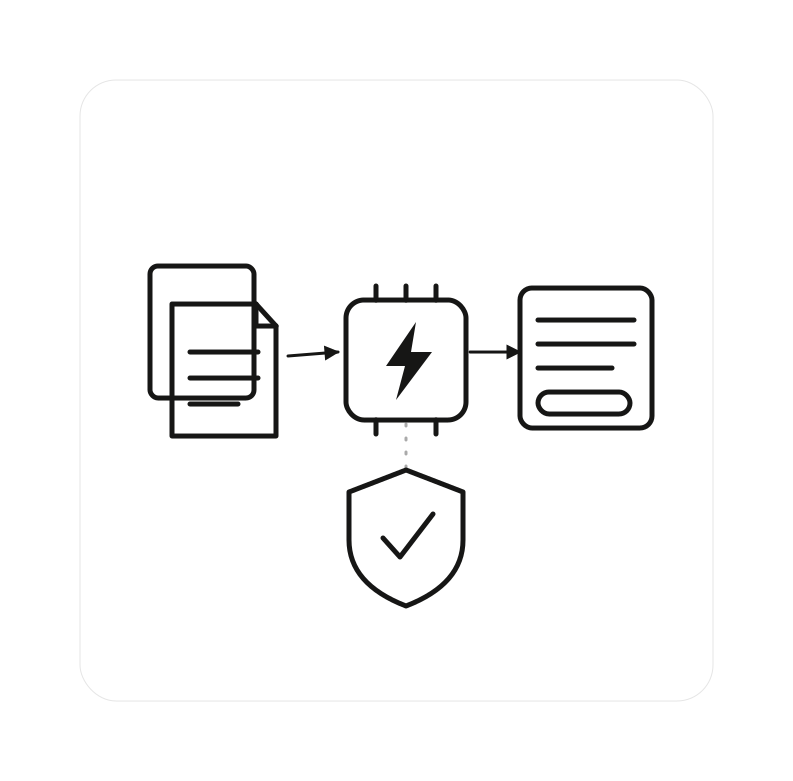
Power-Chat uses a Retrieval-Augmented Generation (RAG) approach: wiki articles and documents are turned into a vector database, and for each question, the most relevant content is retrieved and used to generate an answer. The AI doesn't make things up, it answers from your verified knowledge, with a source.
And you stay in control: you can connect your own AI model through an OpenAI-compatible endpoint, including a self-hosted one. And when data protection requires it, Unusual Suite can run on-premises, so your knowledge base never leaves your own infrastructure.
For more on how artificial intelligence helps day to day, see our page on AI in CRM.
Knowledge Base Software: Frequently Asked Questions (FAQ)
A knowledge base is a central collection of a company's knowledge: guides, processes, answers to common questions, product information. Instead of being scattered across heads, emails, and files, knowledge is structured in one place and findable for the whole team.
Start small and use it consistently: document your ten most common questions and processes as wiki articles, then grow the structure as needed. In Unusual Suite, you organize articles in a tree structure, assign labels, and move content via drag and drop. Existing web pages can be imported as articles automatically.
The best knowledge base software is the one your team actually keeps using. In practice that means low maintenance, a strong search, and tight integration with daily work. A standalone knowledge database software adds another system to maintain; Unusual Suite builds the knowledge base into the same platform as projects, emails, documents, and support.
Yes, in two ways: publish individual wiki articles with one click, each under its own public URL. Or use the Service Center, a customer portal with your published articles and Power-Chat, with no sign-up required and your own logo if you wish.
The AI assistant Power-Chat answers questions directly from your wiki articles and documents, complete with source citations. Your team no longer needs to know which article holds the answer. They simply ask the question.
Power-Chat answers only from your own wiki articles and documents and cites a source for every answer. If nothing relevant is found, it won't fall back to general internet knowledge. That's what sets a RAG-based AI knowledge base apart from a free chatbot.
Yes. Individual web pages or entire websites can be crawled and added as wiki articles automatically, one article per page. Documents such as PDFs or Word files are indexed for search and AI answers when saved, and for images the embedded text is captured via OCR.
Yes. Unpublished articles are visible internally only. Roles and permissions control who can see and edit which content. So you use the same knowledge base as an internal wiki and open individual articles to customers whenever you choose.
Yes. Unusual Suite runs in the browser and installs as an app (PWA) on Windows, macOS, iOS, and Android. For higher data-protection needs, an on-premises deployment is also available.
The wiki module is already included in the free Free Edition. The Pro Edition costs €29 per user per month (billed annually) and comes with a 90-day free trial. You'll find all details on our pricing page.