14 Agile Project Management Tools Compared: Software for Planning and Tracking
Read article
Summary
 12 min.
Agile project management tools enable flexible planning, transparent workflows, and rapid adaptation. They help teams break work into small, prioritized units while keeping progress visible at all times. Modern agile project software combines task management, team collaboration, and reporting in a single platform, so nothing is overlooked and decisions are based on current data. The key advantage lies in integration: instead of isolated point solutions, teams get a seamless workflow from planning to execution. They spot bottlenecks faster, respond efficiently to changes, and continuously improve their processes.
What Is Agile Project Management?
Agile project management is an iterative, flexible approach where projects are broken into small, prioritized increments. Rather than rigid upfront planning, continuous adaptation takes center stage.
Teams work in short cycles, gather feedback regularly, and adjust priorities on the fly. This creates a process that dynamically adapts to new requirements and surfaces risks early.
Core principles include:
Why Agile PM Software Needs to Go Beyond the Project
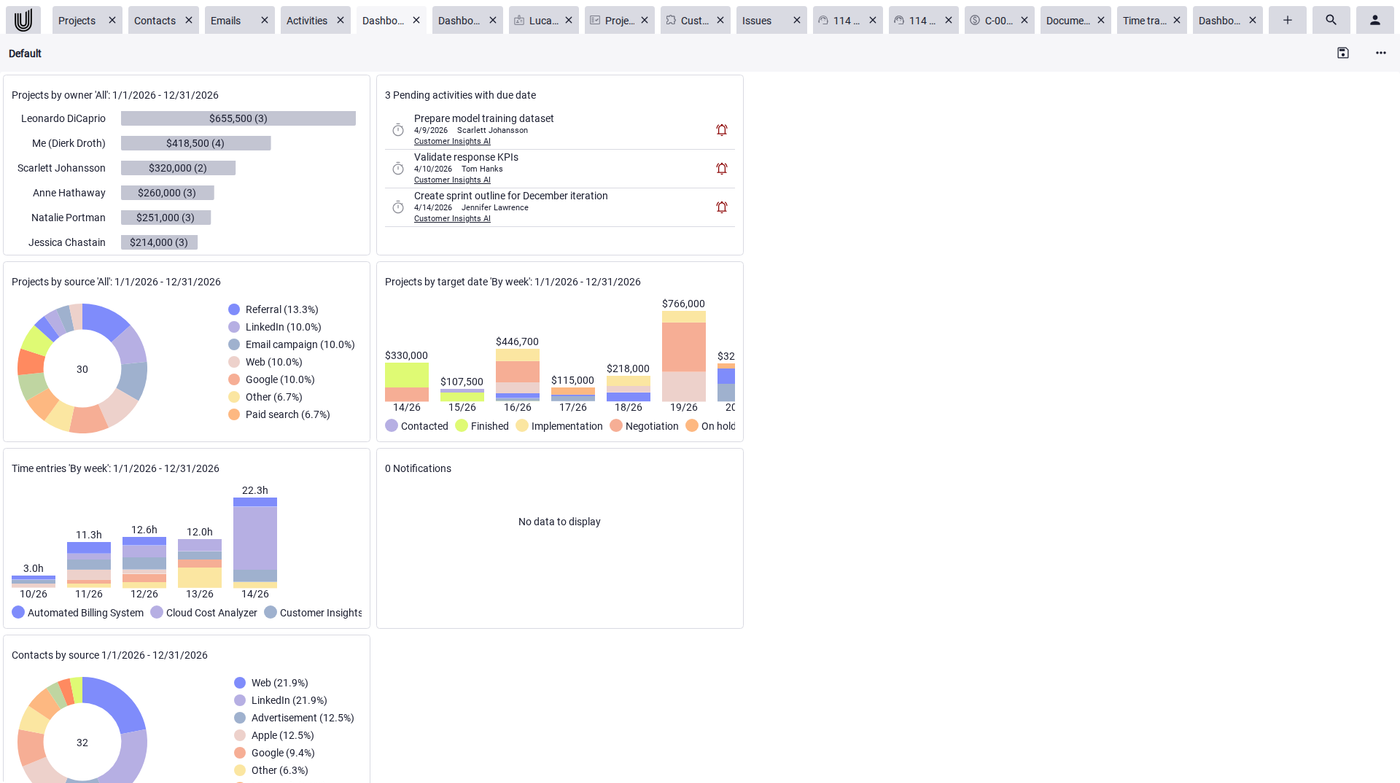
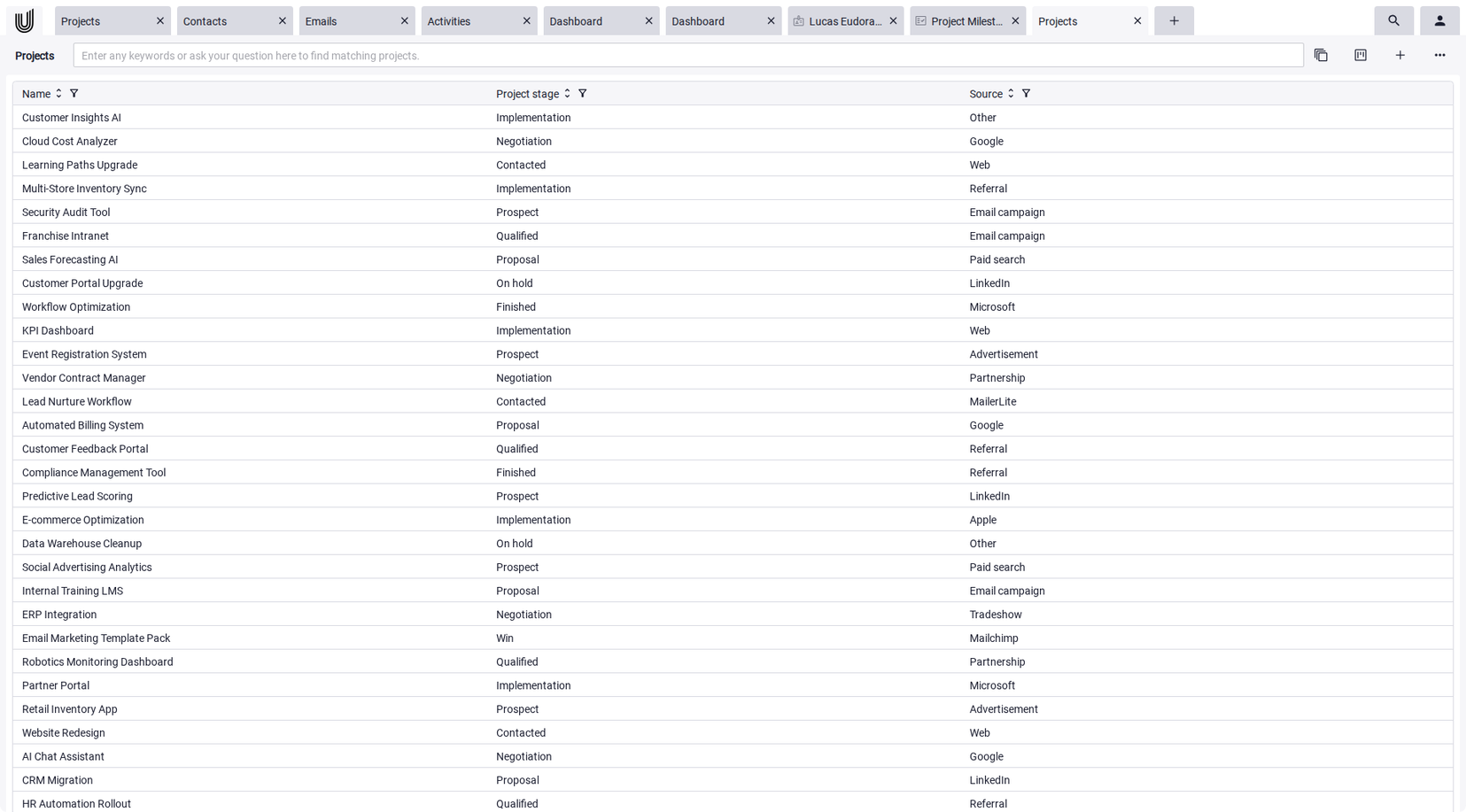
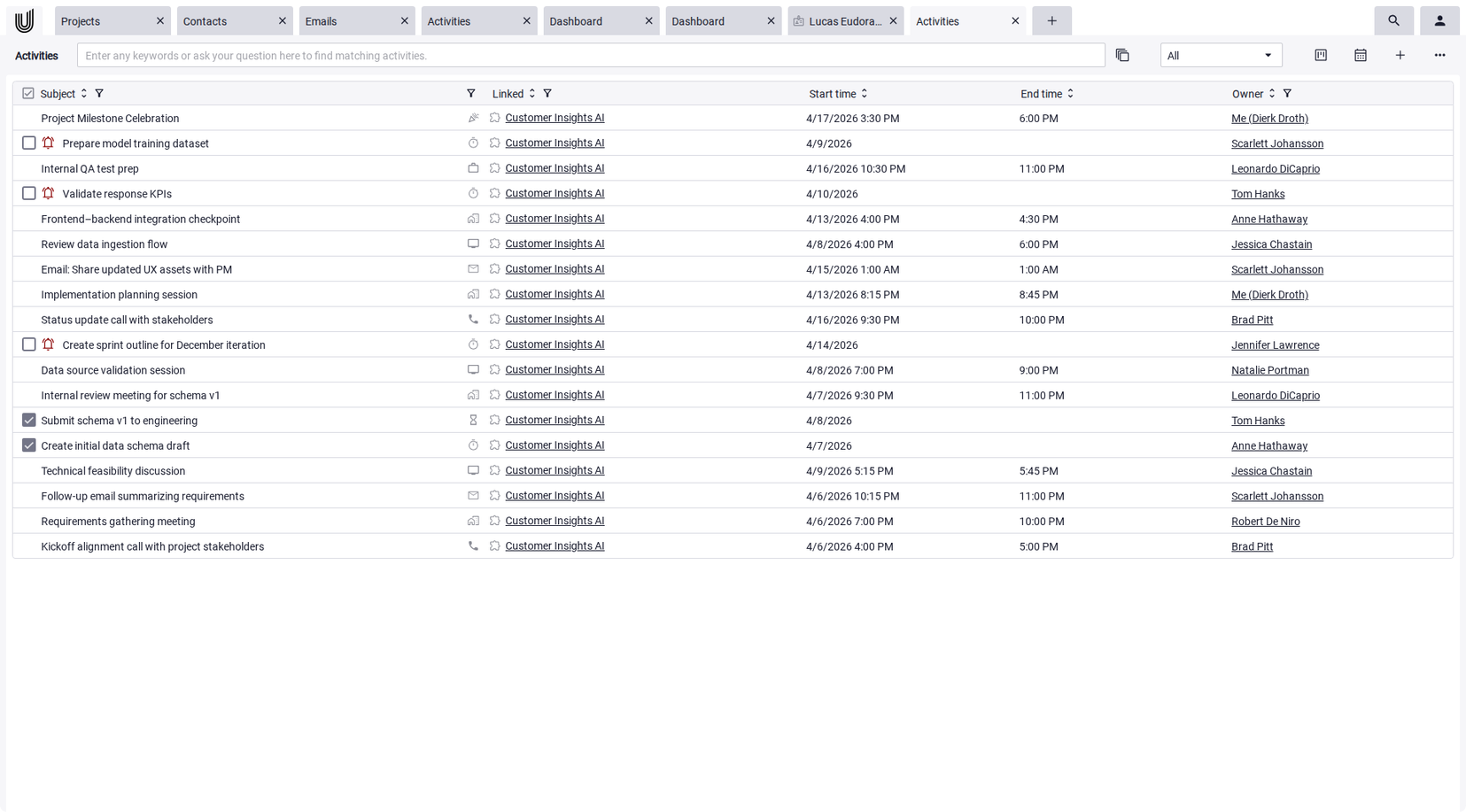
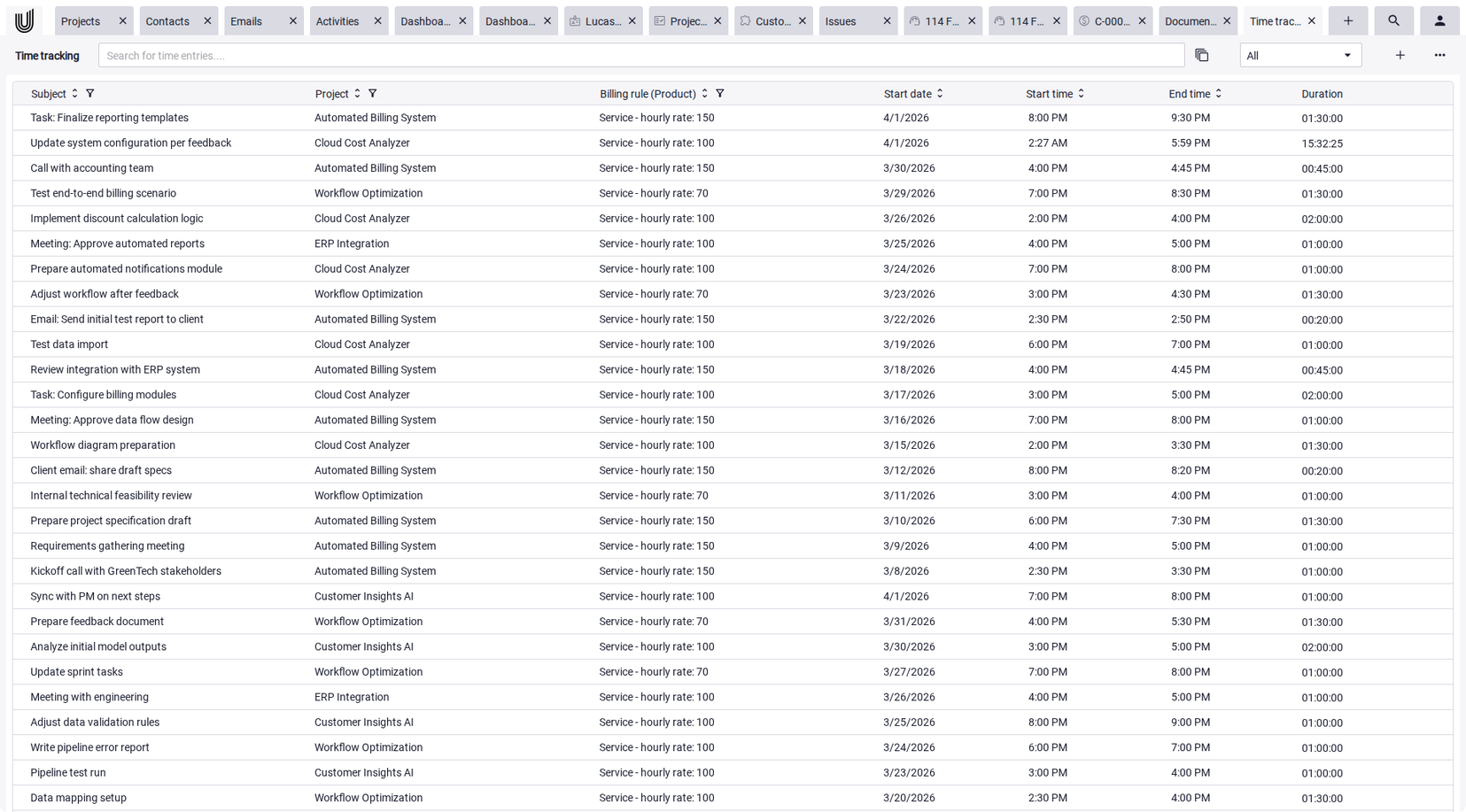
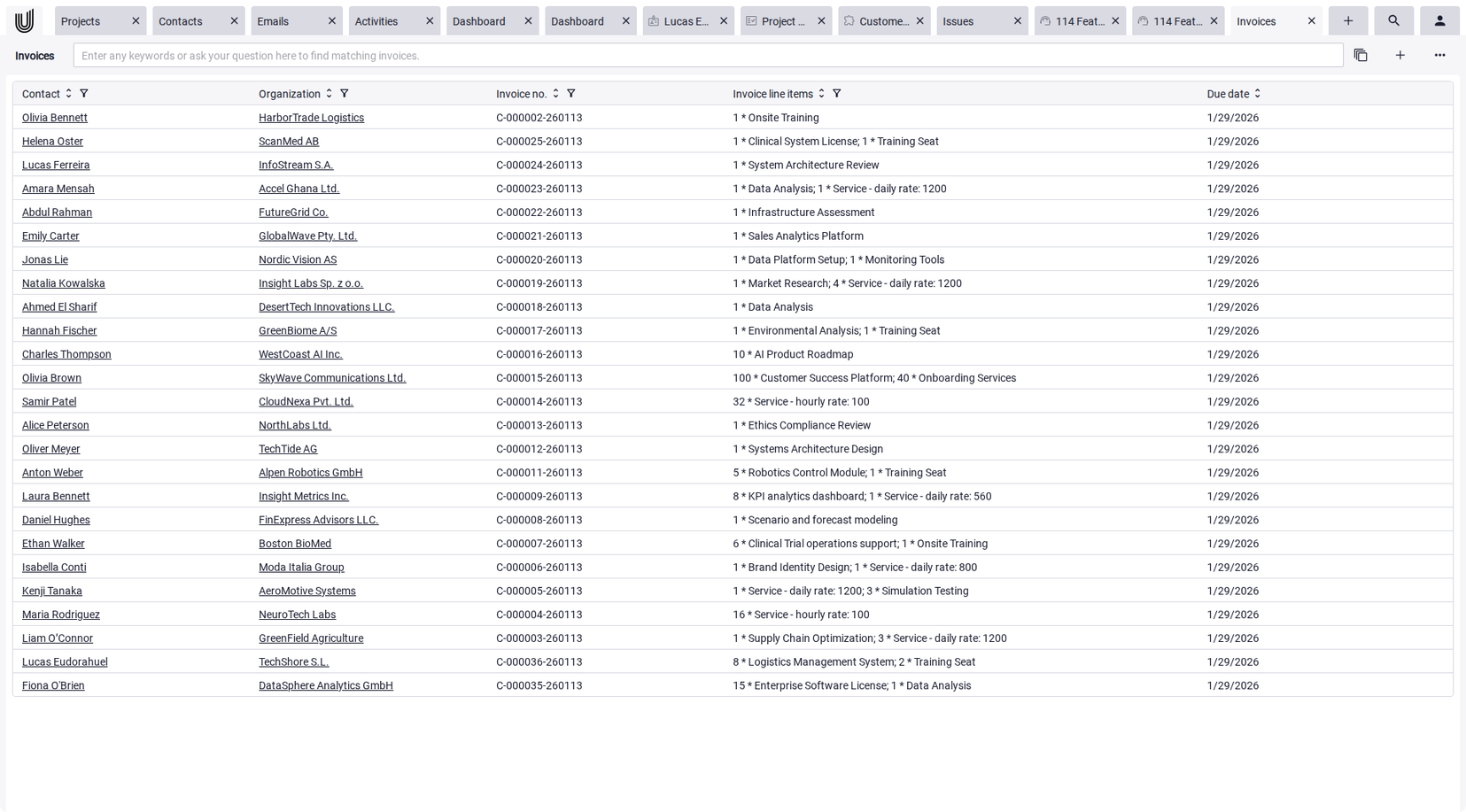
Many agile project management tools focus on tasks, boards, and sprints. In practice, however, a project rarely ends with the last completed task. Time tracking, invoices, and ongoing client communication follow afterwards. When these processes live in separate systems, workflow gaps and extra maintenance overhead quickly emerge. Some agile PM software solutions, like Unusual Suite, take a broader approach by combining task management with time tracking, billing, and CRM in a single platform.
Unusual Suite –
Everything in One Place. Intelligently Connected.
With Unusual Suite, everything works together in one unified system. Customers, communication, tasks, projects, invoices, time tracking, and documents are seamlessly interconnected. AI-powered search and context analysis ensure that relevant knowledge is instantly accessible — even as your data grows. Unusual Suite is a product of Unusual Software GmbH, which publishes this blog.
Start your free trialAgile Project Management Tools Compared
The following agile PM tools are among the most well-known solutions on the market and differ significantly in focus and use case.
| Tool | Price | Key Features |
|---|---|---|
| Jira | Free up to 10 users, from $7.91/user | Scrum & Kanban boards, bug tracking, agile reports |
| Asana | Free up to 2 users, from €10.99/user | Task management, project structure, strong reporting |
| monday.com | Free up to 2 users, from €9/user | Customizable workflows, automations, visual boards |
| Trello | Free up to 10 users, from $5/user | Kanban boards, drag-and-drop, simple interface |
| Businessmap | From €6.50/user | Portfolio management, OKR alignment, analytics |
| Wrike | Free, from $10/user | Workload management, Gantt charts, reporting |
| awork | From €5/user | GDPR-compliant, time tracking, clean interface |
| Stackfield | From €9/user | End-to-end encryption, team chat, secure data rooms |
| SeaTable | Free up to 25 users, from €7/user | Spreadsheet-based interface, custom data models, on-premises |
| ClickUp | Free, from $7/user | Multiple views, documentation, automation |
| Smartsheet | From €8/user | Spreadsheet-style interface, project planning, reporting |
| Celoxis | From $10/user | Resource planning, budget control, portfolio management |
| MOCO | From €15/user | Project management, billing, time tracking, CRM |
| Unusual Suite * | Free for 1 user, from €29/user | All-in-one, CRM with project management, time tracking, invoicing |
Agile Project Software and Tools: In-Depth Comparison
Jira – Software Development and Scrum
Jira is one of the most established solutions in agile software development. The tool is heavily geared toward Scrum and complex development processes and is widely used in larger dev teams. Jira is at its best when integrated with the rest of your dev stack.
✓ Strengths: Comprehensive agile reports · Flexible workflows · Strong dev integrations
✗ Weaknesses: Complex setup · Often overwhelming for non-developers
Best for: Software development teams
Not suited for: Small teams without a technical focus
Asana – Project Planning and Task Management
Asana is a versatile agile project management tool focused on structure and visibility. Teams can plan projects clearly, define dependencies, and organize tasks systematically. Asana is widely used by non-technical teams.
✓ Strengths: Intuitive interface · Solid project structure · Strong reporting
✗ Weaknesses: Kanban is not the primary focus · Can get complex with large projects
Best for: Marketing, agency, and business teams
Not suited for: Teams focused on pure Kanban
monday.com – Customizable Workflows
monday.com is known for its visual interface and high customizability. The tool is particularly suited for teams that need to map individual processes. Multiple views and automations make it highly versatile.
✓ Strengths: High flexibility · Automations · Visual interface
✗ Weaknesses: Can become cluttered · Complex pricing structure
Best for: Teams with individual processes
Not suited for: Very small teams
Trello – Kanban Boards for Simple Workflows
Trello is one of the most recognized tools for visual task management. It is built entirely on Kanban boards and is particularly easy to use. This makes it ideal for getting started quickly.
✓ Strengths: Very intuitive · Quick to get started · Free tier available
✗ Weaknesses: Limited features · Minimal reporting
Best for: Small teams, simple workflows
Not suited for: Complex projects
Businessmap – Kanban for Enterprise
Businessmap targets large organizations with complex project structures. The focus is on portfolio management and strategic oversight across multiple teams. The tool is particularly strong in enterprise environments.
✓ Strengths: Portfolio management · Deep analytics · OKR alignment
✗ Weaknesses: High complexity · Steep learning curve
Best for: Enterprise teams
Not suited for: SMBs
Wrike – Project Management for Larger Teams
Wrike is a powerful solution for cross-team collaboration. In addition to Kanban, the tool offers Gantt charts and extensive reporting features. It is particularly suited for growing organizations.
✓ Strengths: Scalable · Good analytics · Workload management
✗ Weaknesses: Less intuitive · Overkill for small teams
Best for: Medium to large teams
Not suited for: Small teams
awork – Project Management with GDPR Focus
awork is a German project management tool focused on data privacy and ease of use. The tool provides essential features for planning and collaboration. It is particularly attractive for European companies.
✓ Strengths: Clean interface · GDPR-compliant
✗ Weaknesses: Fewer features · Limited analytics
Best for: SMBs with data privacy requirements
Not suited for: Complex projects
Stackfield – Project Management with Encryption
Stackfield combines project management with secure communication. With end-to-end encryption, the tool is particularly suited for handling sensitive data. It connects task management with team communication.
✓ Strengths: High security · Centralized communication
✗ Weaknesses: Less flexible
Best for: Security-sensitive teams
Not suited for: Teams requiring high customization
SeaTable – Project Management with Spreadsheet Structure
SeaTable combines spreadsheet-based data handling with project management. Users can create custom data structures and adapt them flexibly. This makes the tool suitable for specialized requirements.
✓ Strengths: High flexibility · Custom structures
✗ Weaknesses: Requires onboarding
Best for: Teams with specialized requirements
Not suited for: Beginners
ClickUp – All-in-One Project Management
ClickUp is a comprehensive all-in-one solution with a wide range of features. The tool combines different views and functionalities in a single platform, covering many use cases.
✓ Strengths: Extensive feature set · Multiple views
✗ Weaknesses: Feature bloat · Steep learning curve
Best for: Teams with broad feature needs
Not suited for: Teams seeking simplicity
Smartsheet – Project Planning with Spreadsheets
Smartsheet builds on traditional spreadsheets and extends them with project management features. It is particularly well suited for structured planning and is commonly used in larger organizations.
✓ Strengths: Clear structure · Good reports
✗ Weaknesses: Less intuitive for agile use
Best for: Structured projects
Not suited for: Agile teams with high dynamism
Celoxis – Project Management and Budget Planning
Celoxis combines project management with budget and resource planning. The tool targets enterprises with complex requirements and is commonly deployed in the enterprise space.
✓ Strengths: Budget control · Planning
✗ Weaknesses: Complex
Best for: Large organizations
Not suited for: Small teams
MOCO – Project Management and Billing
MOCO is an all-in-one solution for service providers. Beyond project management, it offers features for billing and time tracking. This makes it particularly suited for agencies.
✓ Strengths: Integrated billing · Easy to use
✗ Weaknesses: Limited flexibility
Best for: Agencies, service providers
Not suited for: Complex project structures
Unusual Suite – Platform for Projects and Business Processes
Unusual Suite takes an integrated approach, combining CRM with project management, task management, communication, and documents in a single system. As an all-in-one software solution, it covers many of the requirements teams have for agile project planning software: task management, collaboration, and document handling all run on a shared platform. The solution also integrates invoicing and time tracking.
✓ Strengths: No tool switching · Linked emails, tasks, and documents
✗ Weaknesses: Not a specialized Scrum tool
Best for: SMBs and teams with an integrated work approach
Not suited for: Pure Scrum or specialized tool users
Common Agile Methods at a Glance
Agile project management encompasses various methods that are applied depending on the team and project.
Scrum
Scrum works with sprints, defined roles, and fixed ceremonies. The focus is on fast results, regular feedback, and continuous improvement.
In practice, agile project planning tools like Jira help teams run Scrum but are not the foundation of the method itself. Backlogs, prioritization, and sprint planning can be structured more effectively, while continuous status tracking helps maintain visibility over progress and tasks.
Kanban
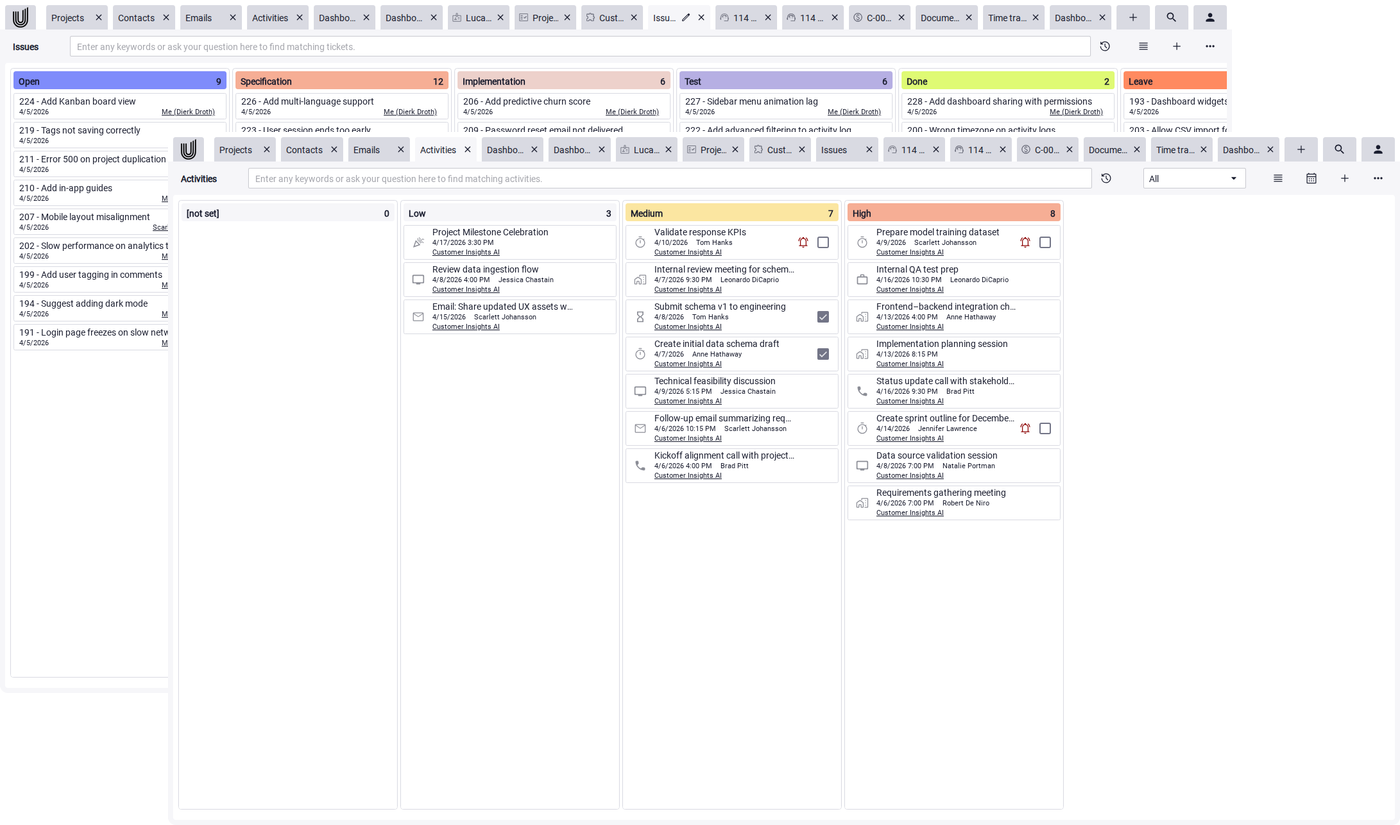
Kanban is based on visual workflow management through Kanban boards and remains a core principle behind much of today's agile project tracking software. Tasks are organized in columns, and progress is visible at all times.
This method thrives on visual representation. This is exactly where Kanban tools like Trello or Unusual Suite come in: they make processes visible, simplify prioritization, and ensure that workflow bottlenecks are identified immediately.
Lean
Lean is not a traditional agile framework but a foundational approach that has influenced many agile methods. The goal is to eliminate waste and design processes efficiently so that maximum value is created with minimum effort.
The value of tools here is primarily indirect. Through automations, centralized data availability, and analytics, inefficient workflows can be identified and improved step by step.
Extreme Programming (XP)
XP focuses on short development cycles, high quality, and close collaboration within the team, particularly in software development.
Here, tools play a supporting role. Features like issue tracking, version control, and collaboration ensure that teams stay aligned and quality is not left to chance.
Benefits of Agile Project Management Software
Good agile project planning software directly impacts how a team works. It provides structure without limiting flexibility and enables faster responses to change.
Key benefits at a glance:
- High flexibility: Requirements and priorities can be adjusted continuously.
- Transparency and status tracking: Progress and bottlenecks are visible at all times.
- Better collaboration: Centralized data and quick alignment within the team.
- Higher value delivery: Results are continuously improved.
- Increased productivity: Fewer manual tasks through automation.
Conclusion: Choosing and Using Agile PM Tools Effectively
The market for agile project management tools is broad, ranging from simple Kanban solutions to complex enterprise systems. What matters most is how well agile project software fits your own processes. Many solutions only cover specific areas, such as task management or communication. This often leads to workflow gaps and extra coordination overhead. Agile project planning tools only deliver real value when they consistently support workflows and provide information in the right context.
For teams, this means: Your choice should be guided by your own requirements. Small teams benefit from simple solutions, while larger organizations need to focus more on scalability and integrations. Integration is the real differentiator. Agile project management software that meaningfully connects tasks, communication, and data creates transparency and reduces friction.
End the Tool Chaos.
Try Unusual Suite for free.
Start your free trial
FAQ — Agile Project Management: Tools, Methods, and Software
Agile is an overarching concept for iterative and flexible ways of working. It describes principles like continuous improvement, fast feedback cycles, and close team collaboration.
Scrum, on the other hand, is a specific framework within Agile. It defines clear roles like Product Owner and Scrum Master, fixed processes like sprints and meetings, and artifacts like backlogs. While Agile provides the guiding principles, Scrum gives teams a concrete way to put them into practice.
Agile methods break projects into small, manageable steps that are implemented iteratively. Teams work in short cycles, gather regular feedback, and continuously adjust their work.
The focus is on delivering results as early as possible and improving them continuously. This ensures that the project always stays aligned with the actual needs of its users.
Choosing the right agile project management tool depends on team size, methodology, and integration requirements. For Scrum-focused development teams, Jira is an established choice. For simple Kanban, Trello is a good fit. Teams that want to combine agile project management with CRM, communication, and document management in a single platform will find Unusual Suite brings it all together on one platform.
Unusual Suite combines project management, communication, time tracking, invoicing, and documents in a single platform. Tasks, emails, files, and discussions are directly linked and stay tied to their project context.
Teams can manage tasks on a Kanban board, communicate in context, and assign or edit documents directly. This creates a seamless workflow without disruptions.
The centralized data foundation matters especially for agile processes: all stakeholders access the same information, which simplifies alignment and accelerates decision-making.
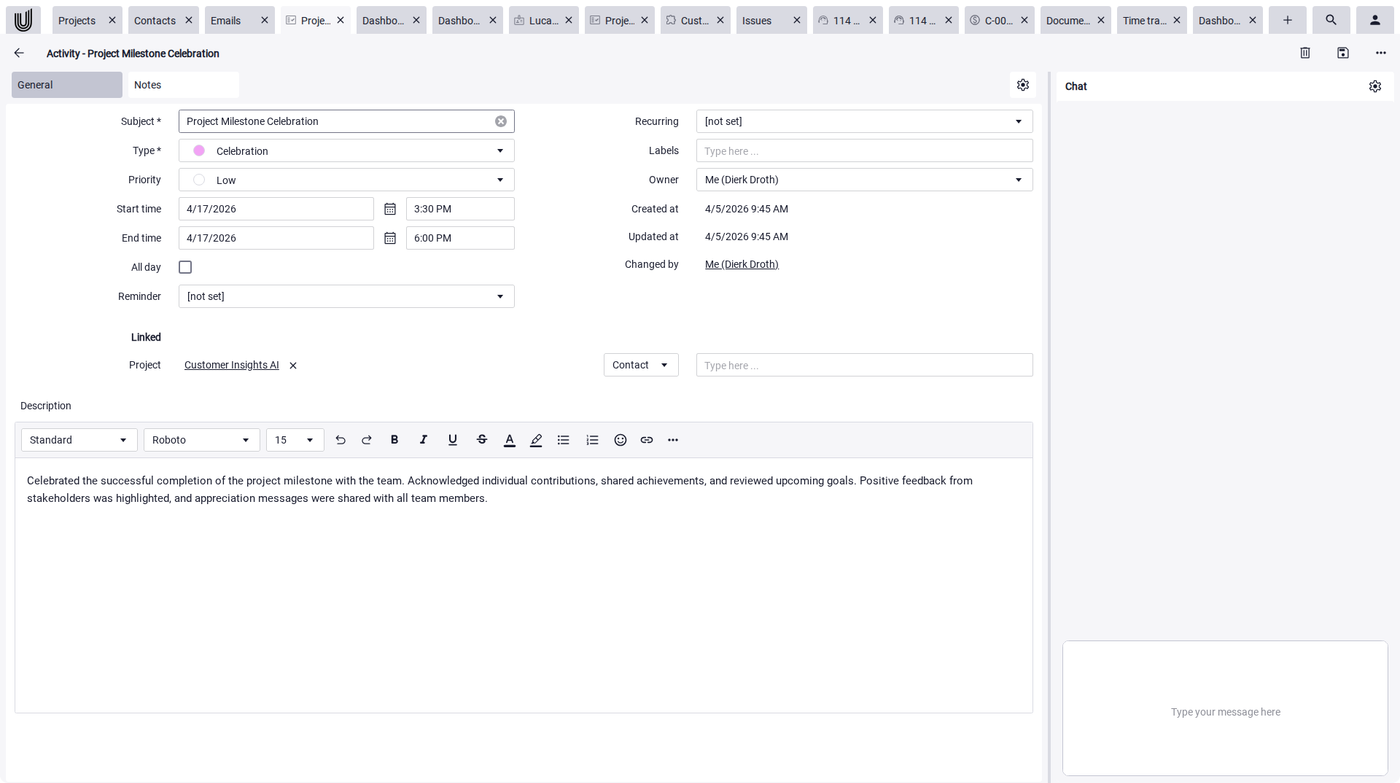
Compared to many traditional tools that often only cover specific areas, Unusual Suite takes an integrated approach.
Instead of combining multiple systems, Unusual Suite unifies:
- Task management and project control
- Communication directly in the context of the task
- Document creation and management
This reduces tool switching, prevents information loss, and enables significantly more efficient team collaboration.
As agile project tracking software, Unusual Suite gives teams continuous status tracking across all projects. Tasks, progress, and project statuses all live in one place and stay accessible anytime.
With dashboards and clear structures, teams quickly spot:
- Workflow bottlenecks
- Project delays
- Current priorities
This provides greater transparency, faster responses to issues, and overall better management of agile processes.